How to Preset Trigger from Fixed Camera
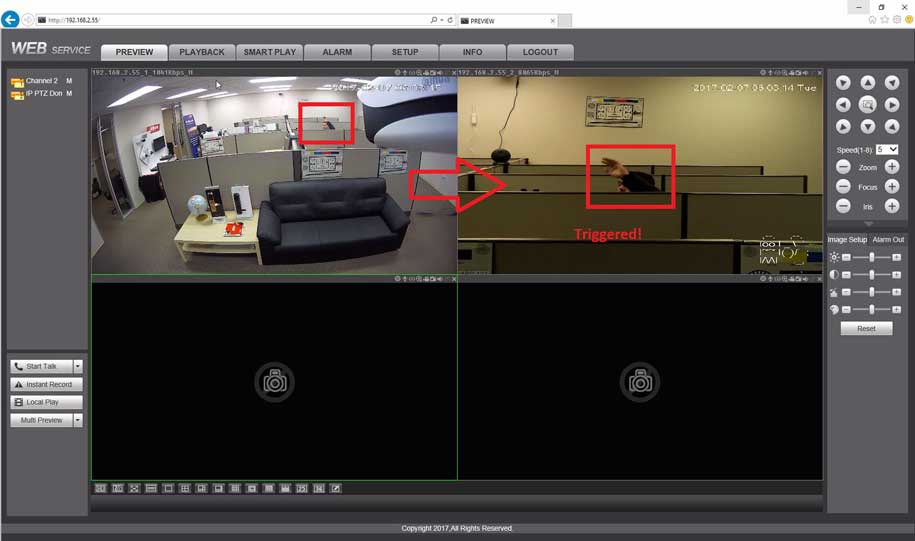
How to Preset Trigger from Fixed Camera

Views: 1When an event (Motion, IVS, etc) is triggered from a fixed camera, a PTZ on the same recorder can be configured to respond with a PTZ Preset command The feature can be enabled for various Event types, wherever the PTZ Activation option is found Prerequisites Dahua IP camera Dahua …
Read more

Arecont Vision Password Reset

Arecont Vision Password Reset

Views: 13Issue: A password has been set on a camera and neither the customer nor integrator knows it. For best results see the below: Once a nonce file has been generated, do not do anything with the camera (i.e. power cycle it) until you are ready to apply the key files. …

Read more

DAHUA Dvr Nvr Ipc Firmware Update Instructions

DAHUA Dvr Nvr Ipc Firmware Update Instructions

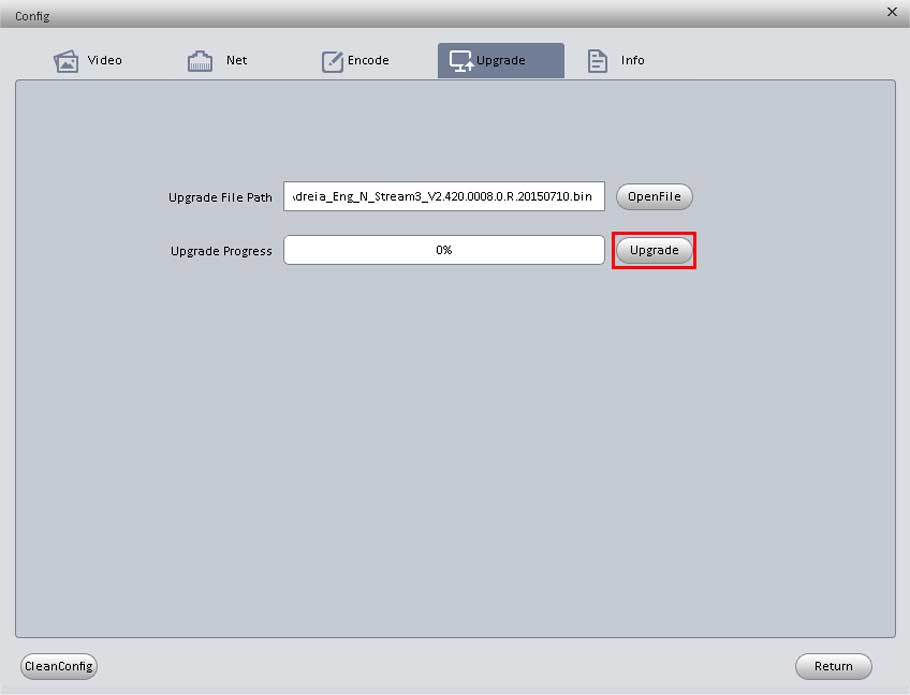
Views: 37How to Update Firmware via USB Description Follow these instructions to update the firmware on a recorder using a USB storage drive. Be sure to download the appropriate firmware for your device. Prerequisites USB Drive 1GB or more The proper firmware file for the device Physical access to the …

Read more

How To Remote Access RTSP via VLC

How To Remote Access RTSP via VLC

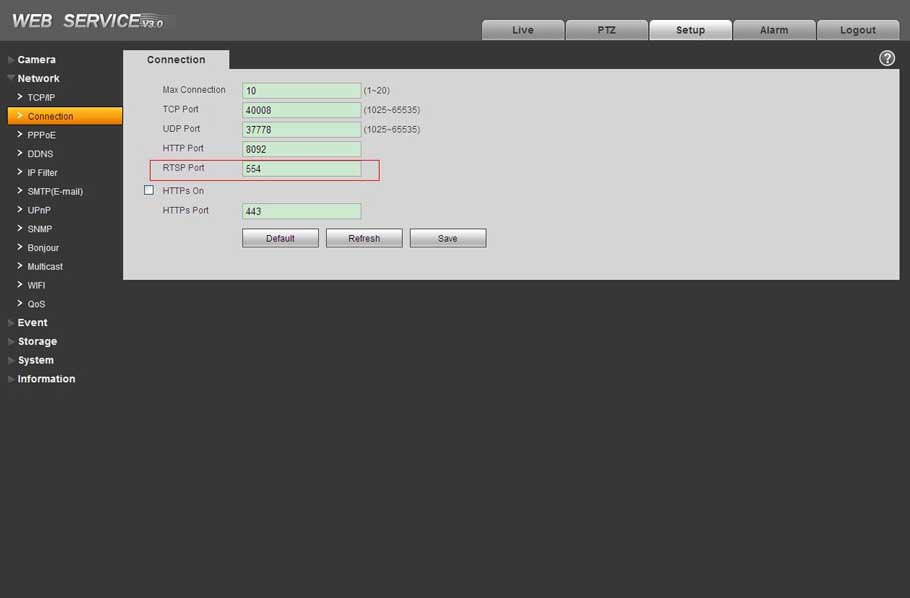
Views: 6View the RTSP stream with VLC media player Prerequisites VLC media player IP Camera online RTSP port open Camera Feed must be H.264 and cannot be H.265 Camera Feed Bit Rate Should be 4096 or lower Smart Codec can be enabled when using H.264 Example URLs rtsp://192.168.2.128:554/cam/realmonitor?channel=1&subtype=0&unicast=true&proto=Onvif rtsp://admin:admin@10.7.6.67:554/cam/realmonitor?channel=1&subtype=1 rtsp://192.168.2.128:554/live …

Read more

FAQ – P2P Troubleshoot Checklist

Network Sniffer Packet Backup 11

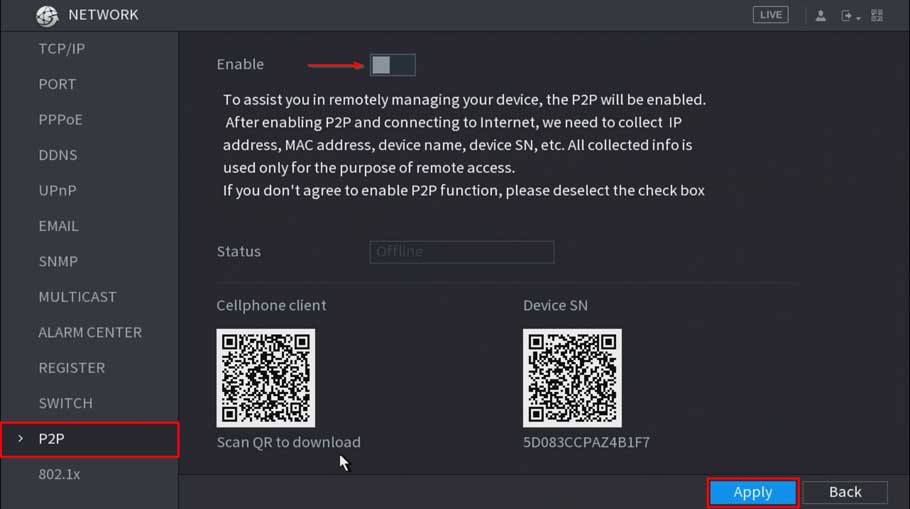
Views: 5P2P Enabled (Dahua Device Only) Interface Image WebUI SystemUI DHCP Enabled Interface Image WebUI SystemUI DNS 1 = 8.8.8.8 Interface Image WebUI SystemUI DNS 2 = 8.8.4.4 Interface Image WebUI SystemUI Ping Test:Success SystemUI only. 1. Navigate to Main Menu -> Info -> Network -> Test 2. Input, “8.8.8.8” …

Read more

Blurams Cameras latest firmware update

BluramsSecurityCameraHome

Views: 88 If your device encounters an unrecoverable failure, like the indicator keeps solid green, you can manually update the device to its latest firmware version. Have ready the following: Networked Computer SD card (Micro SD card) SD card reader Steps: Format the SD card to FAT32 (file system) via the card …

Read more

Swann Security Password Reset all model

Swann Security Password Reset all model

Views: 3Swann Security devices This section will show articles about resetting the password reset of your Swann Security account and resetting the password of your Swann Security OS 5 recorders, such as our DVR 5680s/5580s, 4680s/4580s, 4480s/4485s, our NVR 8580/8780 series, and the NVW-800 system. Swann Security Password Reset NOTE: This …

Read more